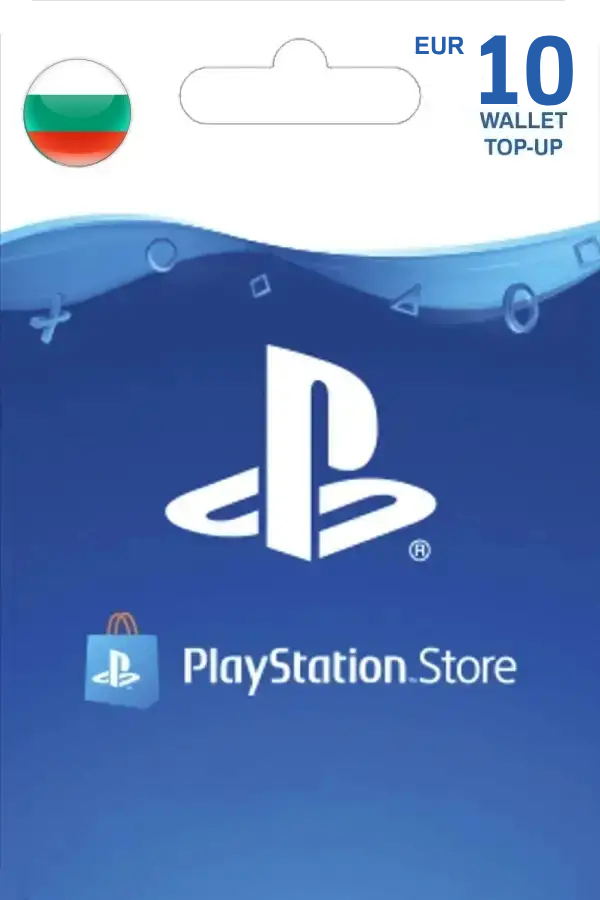
A PlayStation Network (PSN) gift card that adds funds to your PlayStation account. It can be used to purchase games, add-ons, subscriptions, movies, and more from the PlayStation Store. How to redeem PSN Gift Card: 1. Sign in to your PlayStation Network (PSN) account. PSN Card 10 EUR | Playstation Network Bulgaria digital - Play-Asia.com 2. Select your profile icon in the top right corner. 3. Choose “Redeem Code” from the dropdown menu. 4. Enter the 12-digit code from your gift card. 5. Click “Redeem” to apply the funds or content to your account.
Ships from Japan and Hong Kong. Standard shipping typically 7–14 days; express options available. Packaging is collector-grade — no price stickers, items arrive shrink-wrapped. Asia/Japan region items are import-only; verify console region compatibility before ordering.
![R-Type Tactics I & II Cosmos [Premium Box] (Multi-Language) — Import Game Deal](https://s.pacn.ws/1/p/1de/rtype-tactics-i-ii-cosmos-premium-box-multilanguage-889353.10.jpg) -85%
Lowest Ever
PS5
-85%
Lowest Ever
PS5

![R-Type Delta: HD Boosted [Full Force Edition] — Import Game Deal](https://s.pacn.ws/1/p/1dn/rtype-delta-hd-boosted-full-force-edition-893763.13.jpg)